
How to Protect Email Deliverability and Keep Your Brand Out of Spam
Email marketing mistakes damage your domain reputation faster in 2026 than they did even a couple years ago. Inbox providers are using stricter enforcement, tighter complaint thresholds, and increasingly AI-driven filtering to decide whether your messages reach the inbox—or get throttled, spam-foldered, or rejected outright.
Common mistakes like salesy copy, weak subject lines, broken links, poor segmentation, ignoring analytics, and sending to stale lists don’t just reduce conversions—they create negative sender signals that compound over time.
The good news: you can repair and strengthen domain reputation without massive spend, as long as you focus on the right levers (authentication, list hygiene, engagement, and complaint control).
What “Sender Reputation” Really Means in 2026
“Sender reputation” is how mailbox providers evaluate your trustworthiness. It typically breaks into two core layers:
Domain reputation
Domain reputation is tied to your sending domain (your brand identity in the inbox). For many senders, this is the long-term health indicator that matters most because it’s harder to “escape” than an IP change.
Mailbox providers look at signals like:
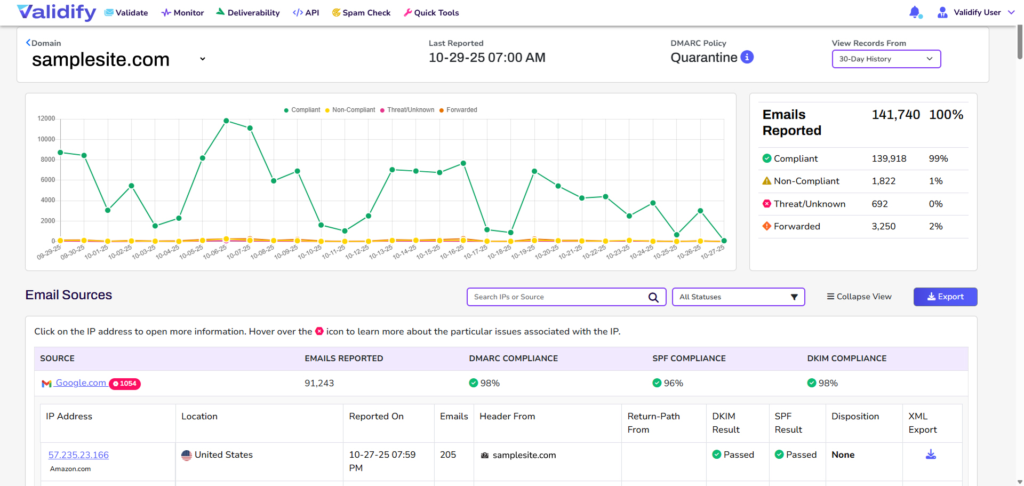
- Authentication alignment (SPF/DKIM/DMARC)
- Spam complaint rate
- Engagement (opens, clicks, replies, deletes-without-reading)
- Bounce rate and list quality
- Consistency of sending patterns
IP reputation
IP reputation is tied to the sending IP address (dedicated or shared). It matters heavily for volume senders and any organization using multiple systems (marketing platform, transactional service, CRM, support desk) that might send from different infrastructure.
A dedicated IP can give you more control, but it also means you fully own the outcome—good or bad.
Why Domain Reputation Drives Deliverability (and ROI)
Email deliverability is about inbox placement—getting legitimate email to the inbox, not just “sent successfully.”
When your domain reputation drops:
- Inbox placement declines
- Engagement drops (because fewer people even see your emails)
- Complaints, bounces, and blocks rise
- Revenue attribution gets distorted (you think email “stopped working,” but it’s actually not landing)
If subscribers complain they’re not receiving your emails—or you see a sudden performance drop—assume reputation is involved until proven otherwise.
Start With an Email Reputation Check
Use Gmail reputation signals
If you send meaningful volume to Gmail users, reputation and spam-rate signals are one of the most credible “ground truth” sources for how Gmail sees your mail. If you’re sending in bulk, tighter requirements and thresholds apply—so small mistakes can hurt faster.
Monitor Microsoft and Yahoo behavior too
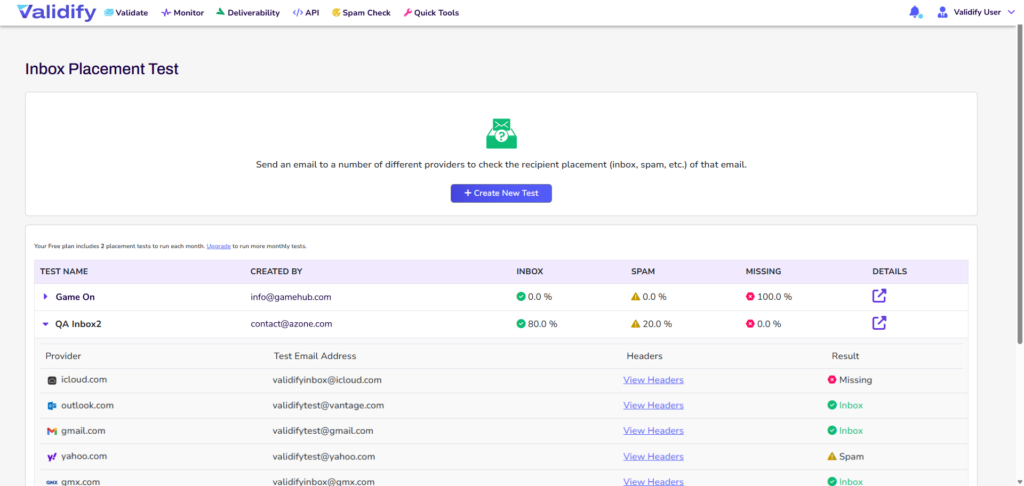
Each major mailbox provider has its own scoring models and enforcement patterns. That’s why one provider can inbox you while another filters you. The fix is almost always the same: reduce negative signals, authenticate properly, and send only to people who actually want your email.
The 2026 Reality: Authentication, Unsubscribe Enforcement, and Lower Tolerance for Mistakes
Deliverability in 2026 is less forgiving. Across major providers, the baseline expectations are converging:
Authentication is mandatory (SPF, DKIM, DMARC)
If your messages aren’t authenticated and aligned, you’re signaling “high risk.” For bulk sending, this is increasingly non-negotiable.
One-click unsubscribe is expected for promotional mail
Providers increasingly expect machine-readable unsubscribe support (not just a tiny footer link). You should make it easy for recipients to leave—because an unsubscribe is far less damaging than a spam complaint.
Spam complaint thresholds are tight
Mailbox providers reward senders who keep complaints low and remove uninterested recipients fast. If your list is bloated with cold addresses, your reputation will reflect it.
9 Practical Ways to Improve Domain Reputation
1) Fix list quality before you “send more”
If you’re seeing spam placement, don’t brute-force volume. Reduce risk signals first:
- Remove hard bounces and obvious invalids
- Suppress chronically unengaged recipients
- Segment by recency and engagement
This is one of the fastest ways to reduce bounces and complaints.
2) Confirm authentication and alignment
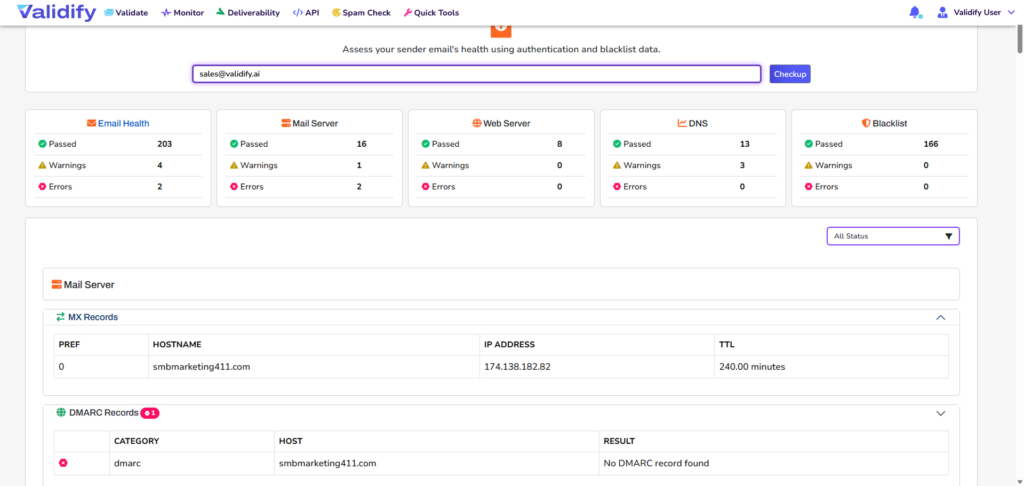
Audit DNS and sending services for:
- SPF coverage (all senders included, no broken records)
- DKIM signing (enabled everywhere possible)
- DMARC alignment (your From domain aligns with authenticated identity)
3) Warm up domains (and re-warm after inactivity)
If you’re new—or you went dormant and came back—restart with small sends to your most engaged recipients and expand gradually. Consistency beats spikes.
4) Control complaint rate like it’s a KPI
Complaint rate is one of the quickest ways to tank reputation. Reduce it by:
- Making unsubscribe easy and immediate
- Sending only what you promised at opt-in
- Segmenting aggressively (stop blasting everyone)
5) Improve engagement signals (the right way)
Inbox providers reward messages people actually want. Tactics that tend to help:
- More targeted segments
- Clear, honest subject lines (no bait-and-switch)
- Value-forward content (not “just checking in”)
- Less hard-sell, more useful context
6) Stop sending to people who don’t engage
A large “unengaged” segment is a long-term deliverability drag. Use re-engagement campaigns and then suppress those who don’t respond.
7) Separate marketing and transactional streams
Where possible, keep transactional mail (receipts, password resets) isolated from marketing volume. This reduces cross-contamination when marketing performance dips.
8) Check for blocklists and infrastructure issues
If you’re listed, you need to know where and why. Also watch for:
- Broken tracking domains
- Misconfigured redirects
- Link domain reputation problems
9) Use feedback loops and provider signals to diagnose root cause
Complaints and provider diagnostic data often tell you whether the issue is technical, behavioral (list/content), or pattern-based (spikes, sudden changes).
How Validify Helps You Protect Reputation (Without Guesswork)
Validify is built for deliverability-first sending—so you can identify risk before it becomes spam placement.
Use Validify to:
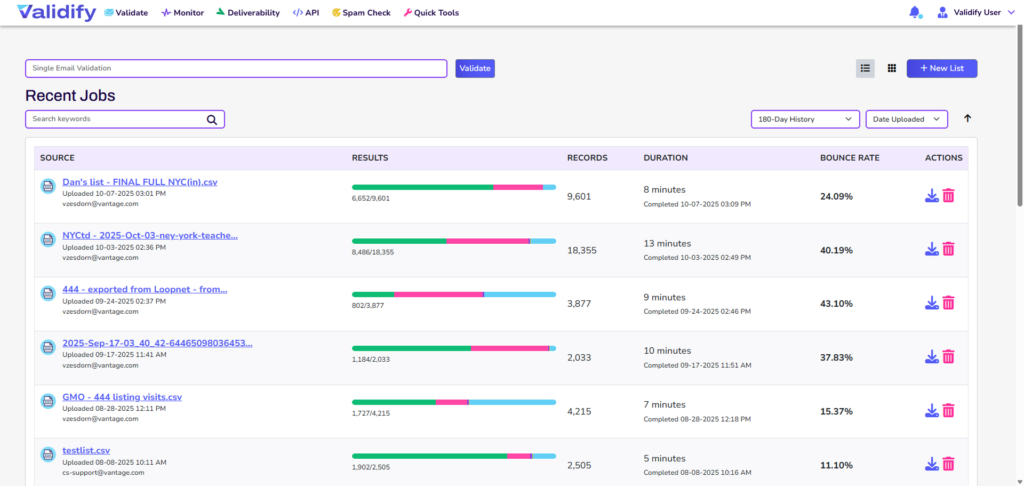
- Validate email lists to reduce bounces and invalid recipients before you send
- Run spam/content checks to catch high-risk patterns that trigger filters
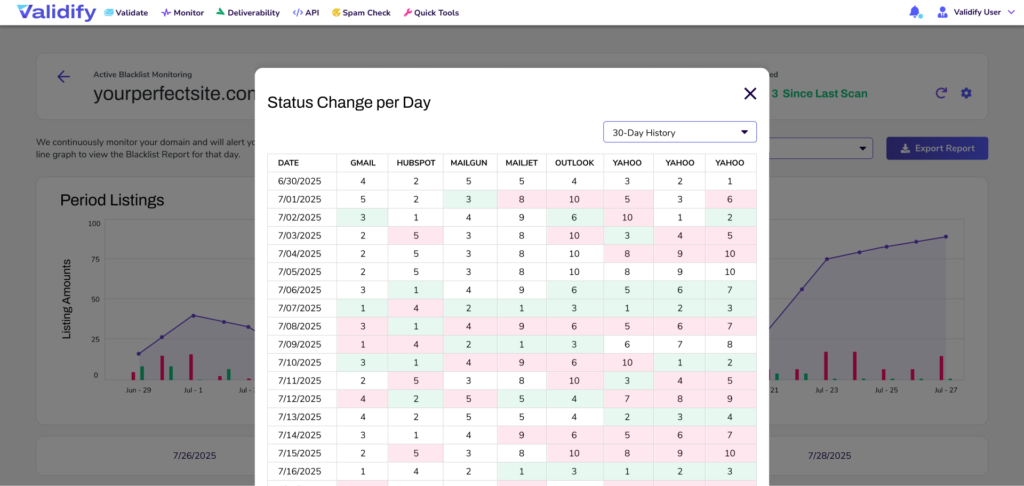
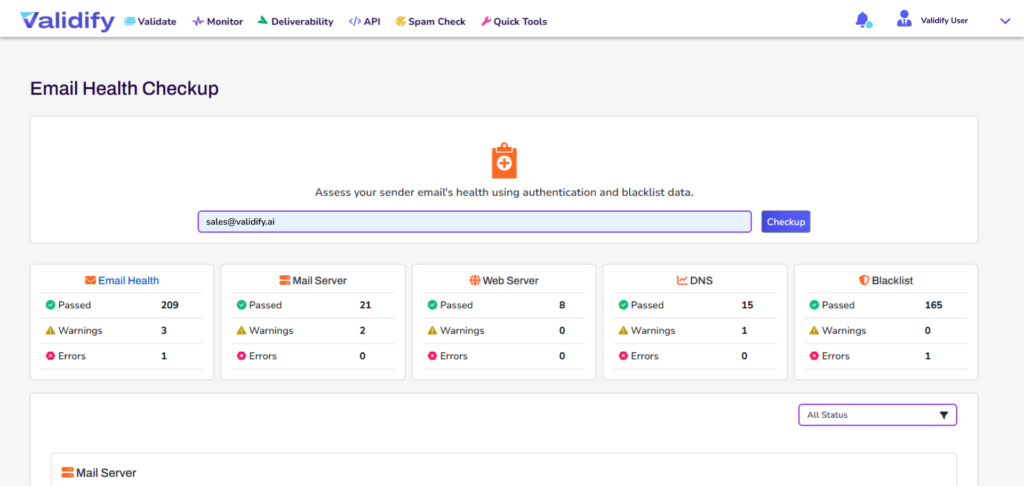
- Monitor blacklists and domain/IP health to spot reputation threats early
- Track authentication and reputation signals so you’re not flying blind when inbox placement drops
The core idea is simple: reputation is easier to protect than repair—and the fastest wins come from reducing negative signals (bounces, complaints, unengaged volume) and tightening compliance expectations that providers now enforce more aggressively.
FAQs About Domain Reputation
How long does it take to improve domain reputation?
It depends on severity, volume, and how quickly you remove negative signals (complaints, bounces, unengaged sends). Many senders see meaningful movement over weeks, but sustained recovery often requires consistent sending discipline over 30–60 days.
Does my domain name affect deliverability?
Yes—especially if you inherit a domain/subdomain with prior negative history, or if your authentication and alignment aren’t clean.
How do I maintain a positive reputation long-term?
- Keep lists clean (ongoing validation + suppression)
- Monitor mailbox-provider signals where available
- Maintain authentication and alignment
- Send consistently, not in spikes
- Prioritize engagement and relevance
Increase Inbox Placement by Treating Reputation as Infrastructure
Deliverability isn’t a “nice to have” optimization—it’s infrastructure. If you want reliable email performance, protect your domain reputation with clean data, compliant sending, strong authentication, and consistent engagement.
Want to see where your risk is coming from before you hit spam folders? Try Validify to validate your list, check your content for spam signals, and monitor domain/IP health—so you can improve inbox placement without guesswork.